Chat history is limited to 30 days per session/individual chat. To retain a conversation approaching the limit, users can send any prompts to reset the 30-day window.
Upon logging into your account, you will see a left tab.
1. Select the bottom arrow to expand the slidebar
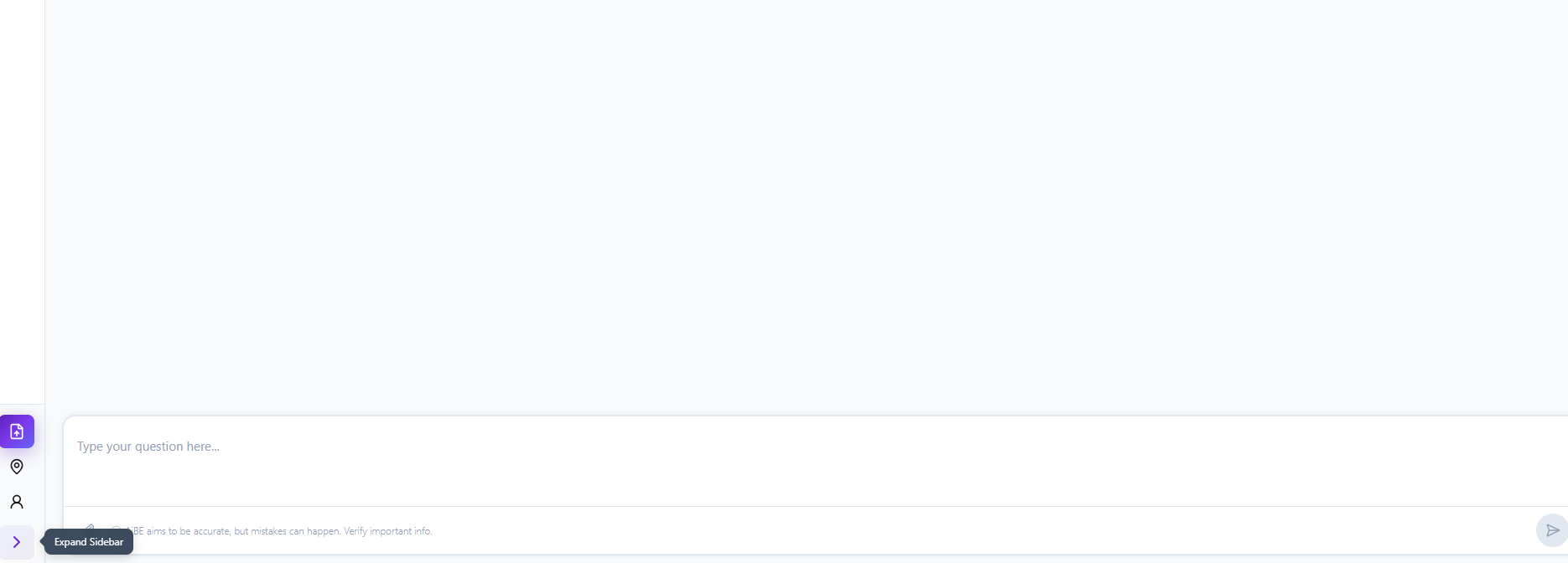
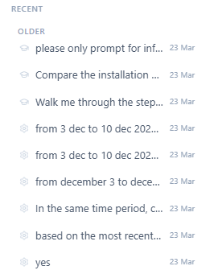
2. There will be a list of chat history. Click on the past chat you would like to view or continue
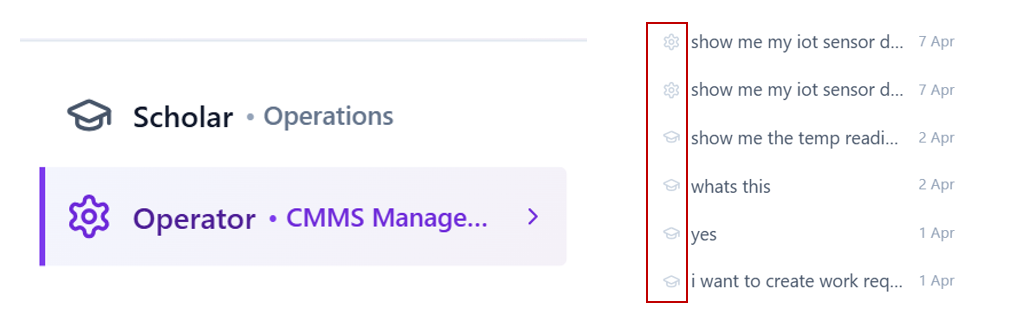
The icon for each query indicates the category the query were asked in.
Note: Do note that exporting the chat is unavailable.
Was this article helpful?
That’s Great!
Thank you for your feedback
Sorry! We couldn't be helpful
Thank you for your feedback
Feedback sent
We appreciate your effort and will try to fix the article